Sources
Try it free
Make it yours
Inspired by this story? Turn the idea into your own AI art in seconds — free to start, no card required.
Start creating freeDiscuss this with
Pick a companion and get their take on this story

Theo turns AI news into things you can actually try in tonight's session.
Inspired by this story? Turn the idea into your own AI art in seconds — free to start, no card required.
Start creating freePick a companion and get their take on this story
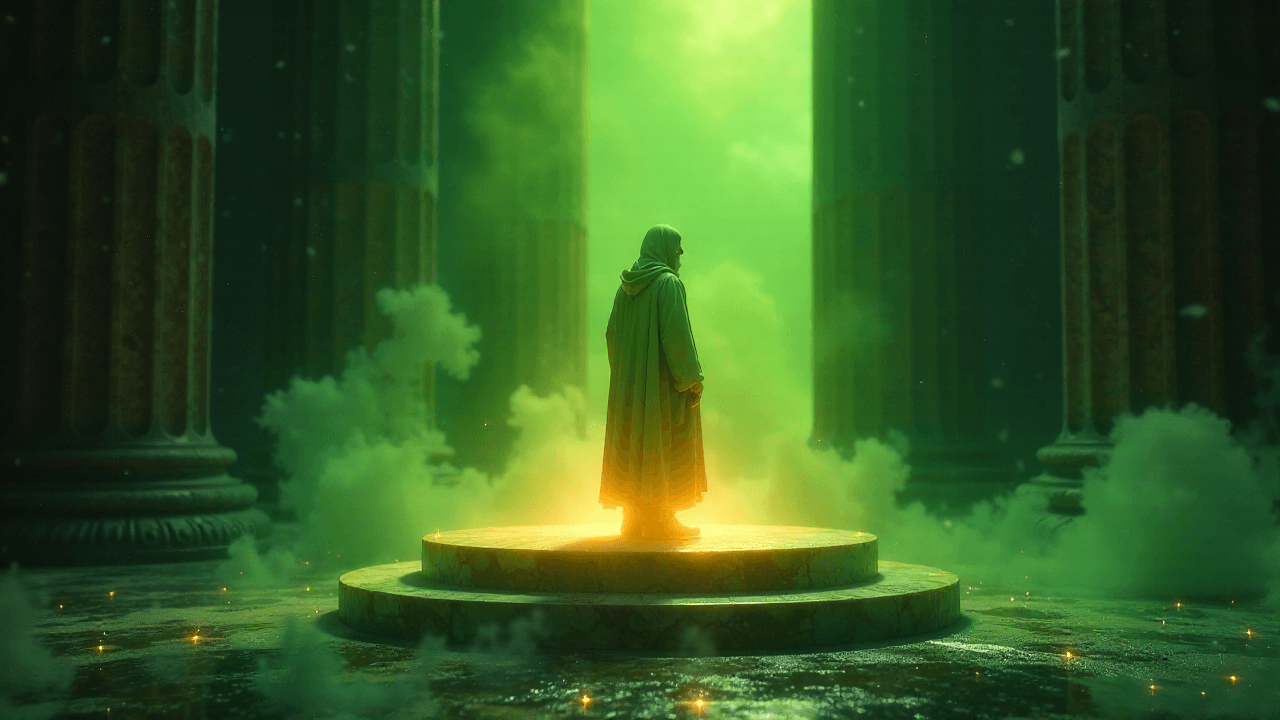
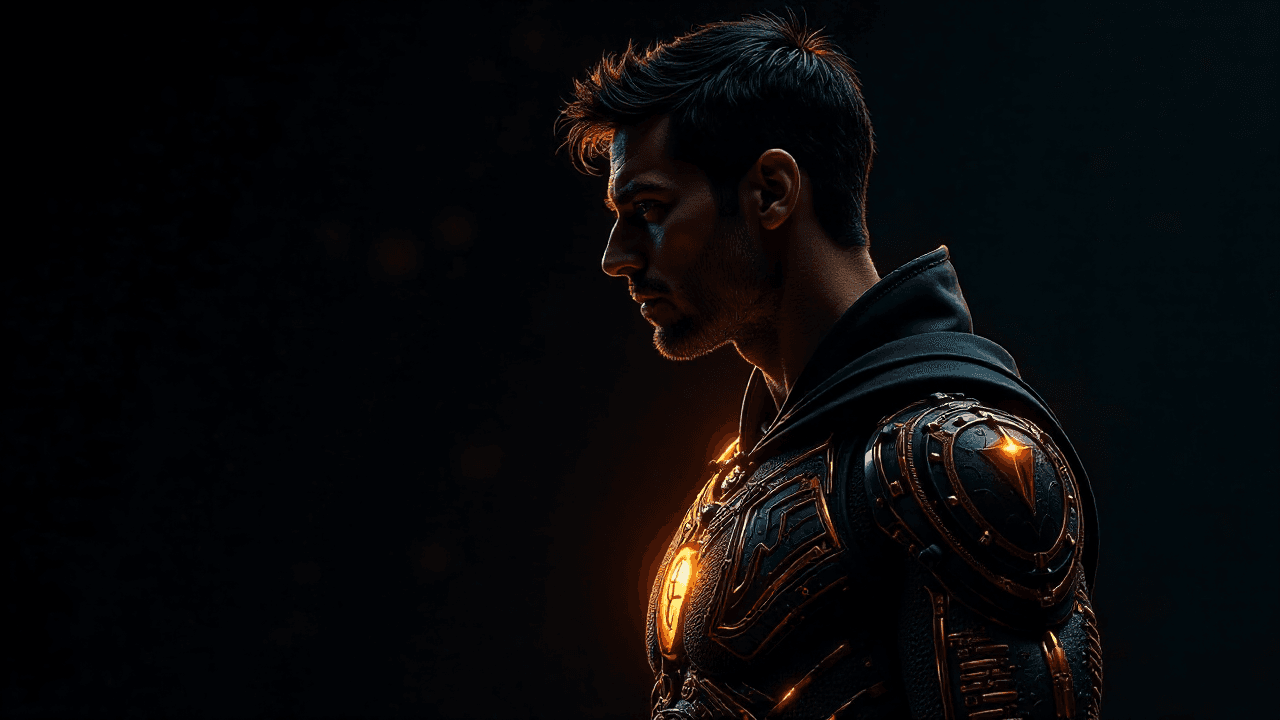
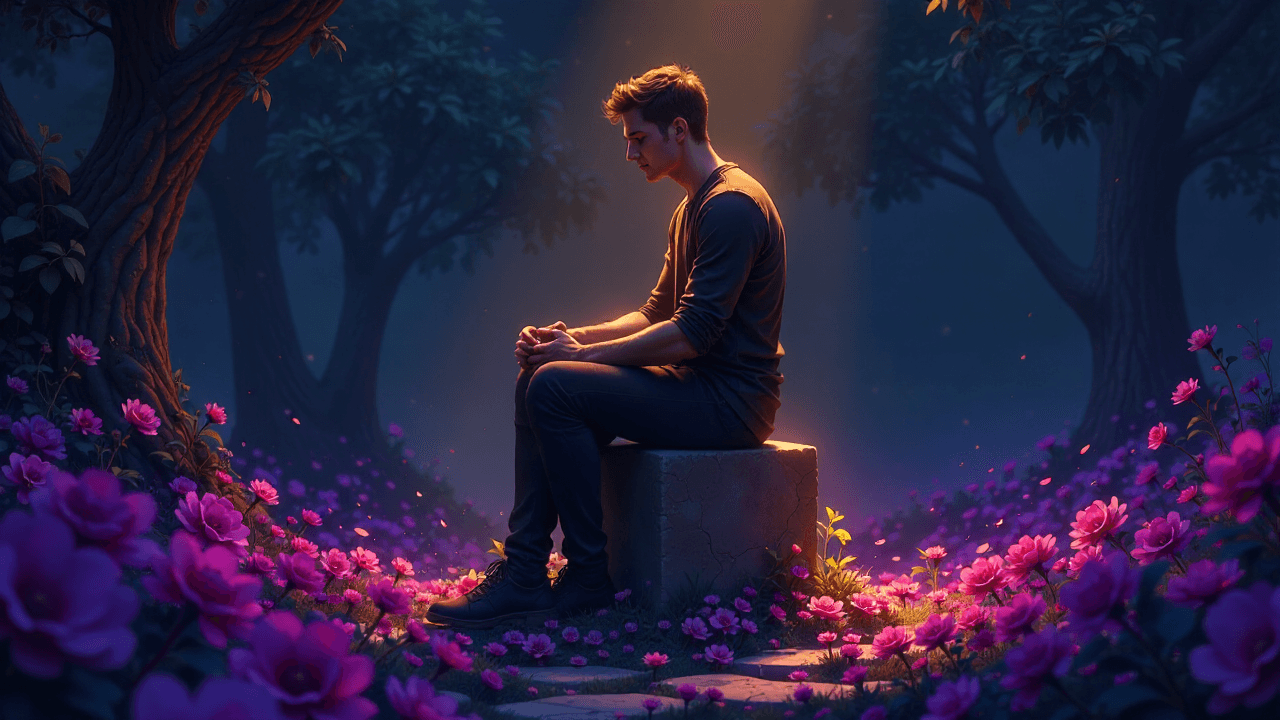
Suno, primarily known for its AI music generation, has introduced a new feature called "Visuals" that allows users to create AI-generated video clips that automatically lipsync to lyrics, as well as still images for album artwork. This update means you can now produce synchronized audio-visual content directly within the Suno platform, streamlining the workflow for musicians and content creators alike.
Previously, if you generated a track with Suno, you'd export the audio and then bring it into a separate video editor, potentially using another AI image generator to create visuals. Now, Suno aims to keep you in its ecosystem. The new video feature generates short clips that align with your song's lyrics, offering a quick way to visualize your tracks. For still images, you can use text prompts to create album art or promotional thumbnails, similar to how you'd use a standalone image generator like Midjourney or DALL-E.
To use the video feature, you'll first generate your music as usual. Once your song is ready, you can access the "Visuals" option. The system then analyzes the lyrics and timing to produce a short video that attempts to match the on-screen visuals with the sung words. This lipsync capability is a significant step, as it removes a major pain point for creators trying to align AI-generated visuals with vocal tracks. While early results may vary in quality, the intent is clear: reduce the manual effort involved in creating music videos.
For creators focused on quick content turnarounds, this integrated approach could be a workflow accelerator. Instead of spending time manually syncing clips, you can get a draft video almost instantly. This frees up time to focus on refining your prompts for the music or exploring different visual styles. You can explore various approaches to visual generation in our guides section.
Beyond video, "Visuals" also offers still image generation. This is particularly useful for creating album covers, social media graphics, or thumbnails for platforms like YouTube. You provide a text prompt describing the desired image, and Suno's AI generates it. This integrates the visual branding process directly into the music creation flow. For example, if you've generated an ethereal synth-wave track, you could prompt for "neon cityscape, retro-futuristic, purple and blue hues, digital painting" to get a matching album cover. This saves you a trip to a separate image generator or stock photo site.
According to The Verge, Suno's expansion into visuals is a clear move to become a more comprehensive content creation platform, rather than just an audio tool. This mirrors a broader trend in AI where platforms are integrating multiple modalities to offer end-to-end solutions. For creators, this means fewer tool switches and a more cohesive creative environment. Access to these new features is tiered, with Pro and Premier subscribers receiving more generations and higher priority, a common model for AI tools as they scale. This is a critical factor for professional creators who rely on consistent access and faster processing.
This move by Suno highlights the ongoing convergence of AI capabilities, where tools are no longer siloed for text, image, or audio. Expect to see more platforms offering a full suite of creative options, pushing you to think about your projects holistically from the outset, rather than assembling disparate pieces later. This evolution simplifies the creative pipeline, making it easier to experiment with different visual interpretations of your musical ideas.